Categories
Dark Mode & Light Mode
The choice is yours!
By now, you have probably seen WealthCharts in a lot of different places! You've probably seen it in the Wealth365 Summit, from market analysts like Rob Hoffman, Ziad Jasani, Jake Bernstein, Davide Biocchi, and the list goes on!
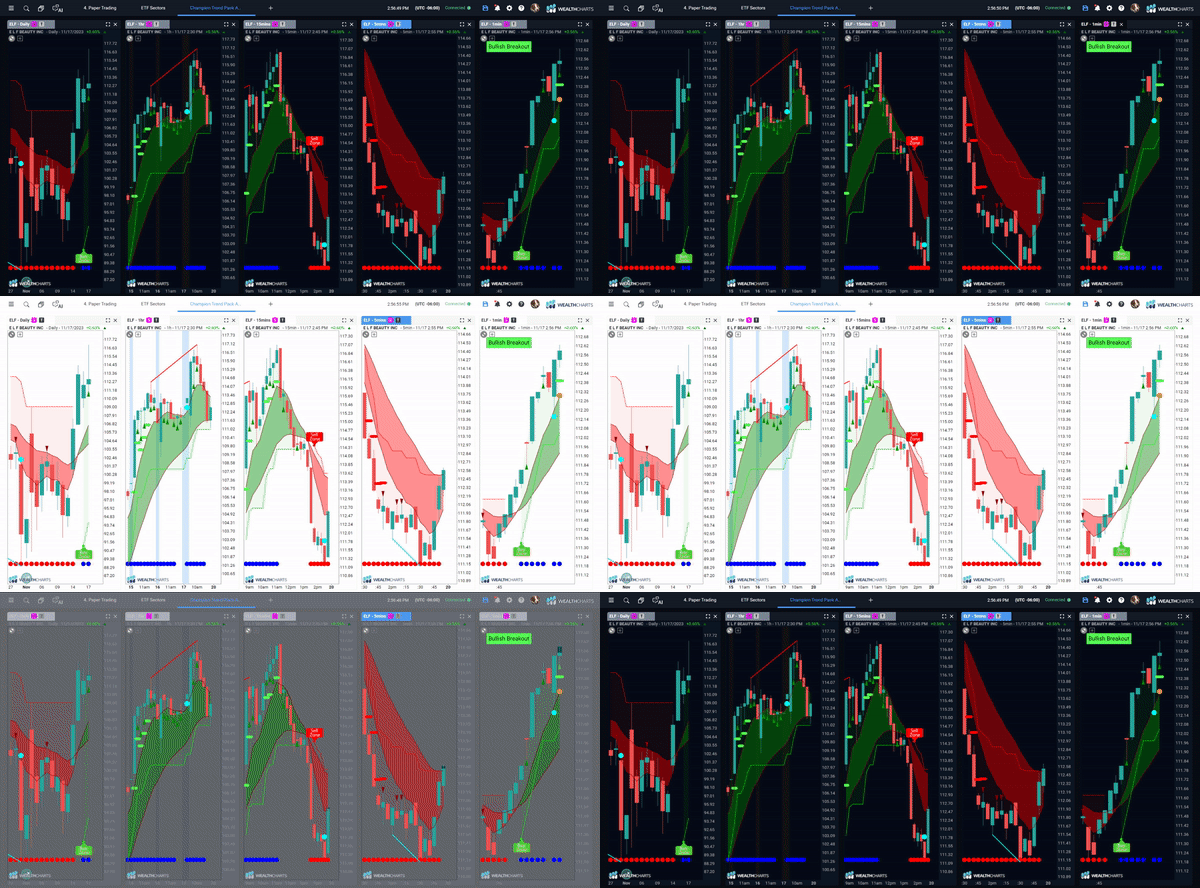
As you have been capturing their market analysis, you've probably seen different charts boasting different kinds of colors from their screens! Of course, you can make the background of your chart any color you want. However, for anything else, there is a dark mode option and a light mode option. These options will change your menus, scanners, and features to what you are looking for and will stay in place until you change them again!
To begin, please follow these specific steps:
Step 1: Select the sun or moon icon on the bottom left corner of your platform.
Step 2: Enjoy a different point of view on the platform!