
How to find and load scanners
Updated
Tired of going through each stock individually, looking for the signal you want? Don't you wish you could see a list of all of the instruments firing off the exact signals you're looking for?
Look no more.
With WealthCharts scanners, you can begin narrowing down the time you use to find your next trading idea. To get started, find your scanner by opening up the Main Menu. This is the button located at the very top left corner of your platform. After that, you will see sections that say Exclusive Features, Premium Features, and Marketplace. These are the categories where most of our scanners are held! Click on the category, find your scanner, and add it to your screen.
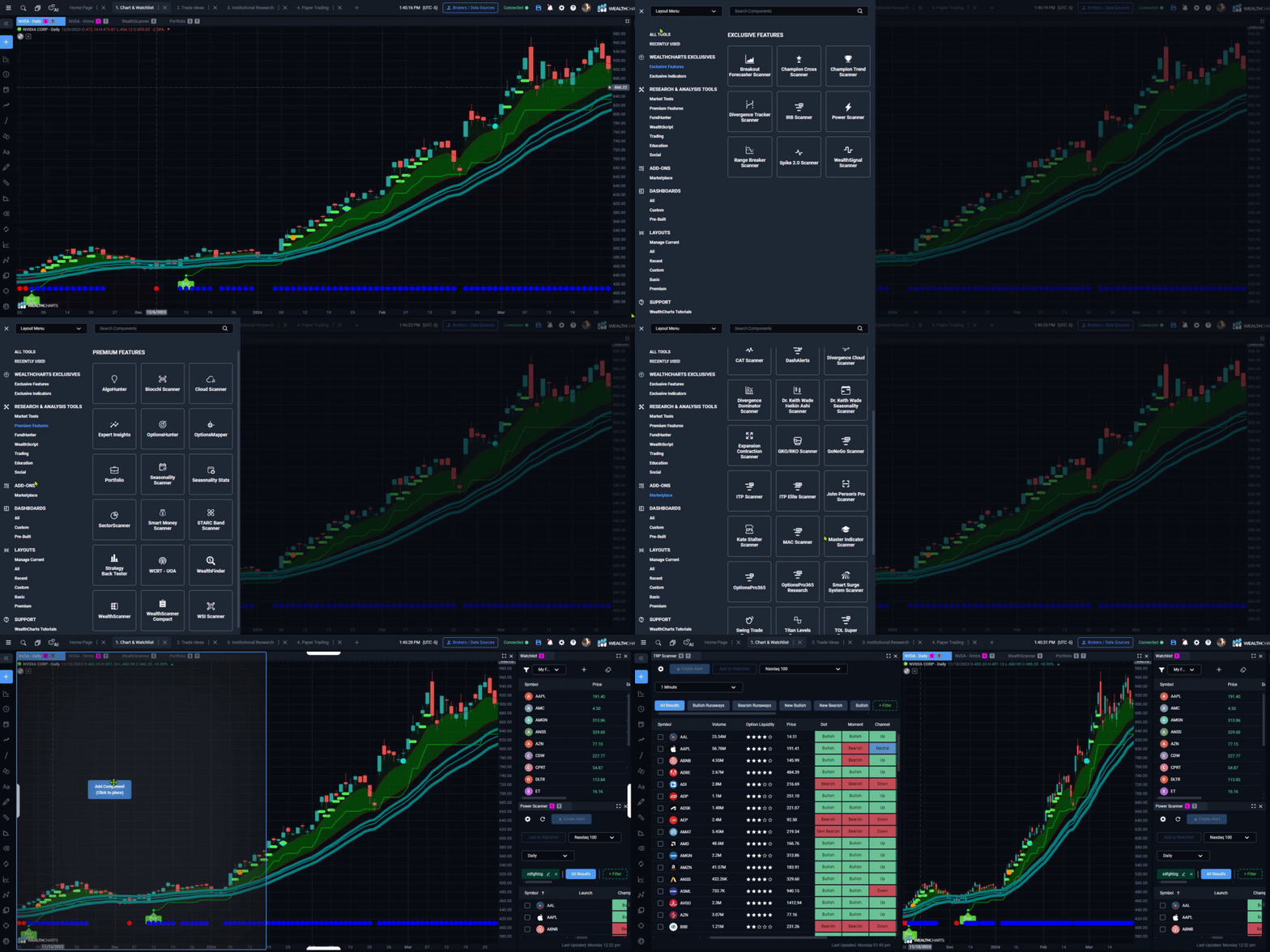
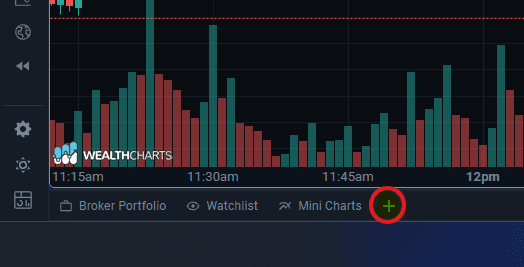
You can also click on the grey "plus" icon in the lower left-hand corner and find your scanners there.
Important note: If you are reviewing this article after purchasing an indicator bundle, you may want to review the Marketplace section as that is where your newly purchased scanner is located!