
WealthFinder
Updated
This is WealthFinder
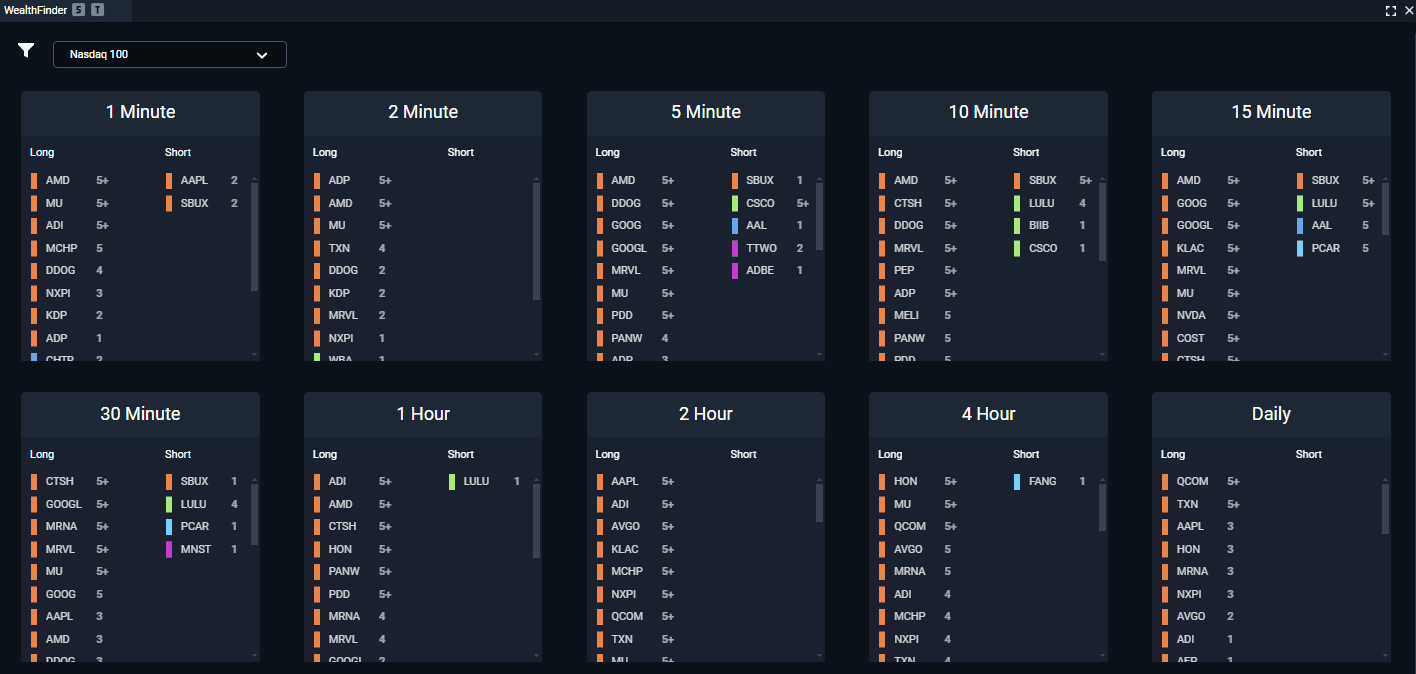
A powerful tool that provides WealthCharts members with an instantly accessible resource to find higher probability trades, faster. WealthFinder will show up to ten separate symbols for Longs or Shorts that have been flagged as good potential opportunities, divided by Intraday, Daily, Weekly, and Monthly timeframes. If some of these timeframes are not relevant to your trading, you can choose which timeframes to display or hide using the options in the filters (icon) menu.
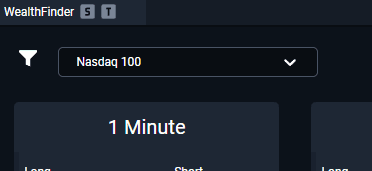
Market Basket Dropdown Menu
This dropdown menu will allow you to select between different indices and instruments, as well as your own watchlists. WealthFinder will update its analysis based on your selections!
Filter Menu
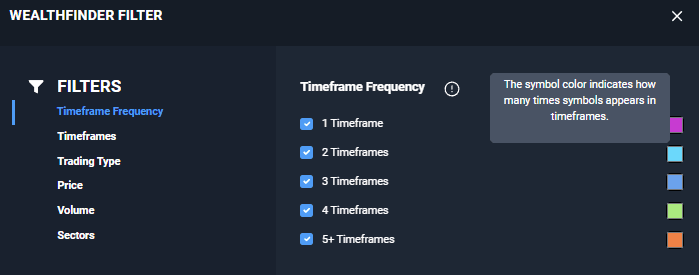
Timeframe Frequency
Click here to adjust how many different timeframes a symbol must appear in for WealthFinder to display it, as well as the colors that WealthFinder uses to differentiate the number of timeframes a symbol appears in.
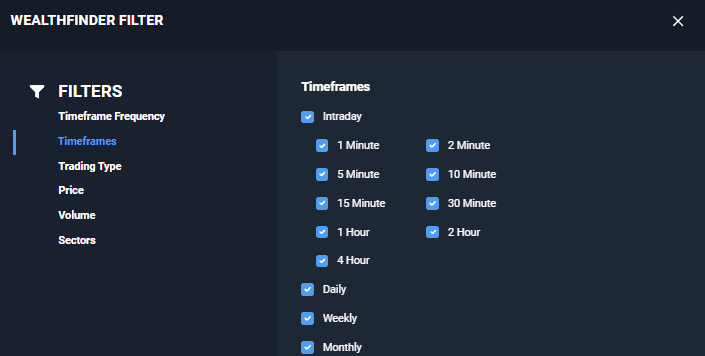
Timeframes
Click here to show or hide the individual timeframes that WealthFinder displays.
Trading Type
Click here to toggle long and short ideas on or off. You can only select one at a time.
Price
Click here to set price filters to apply to WealthFinder so you’ll only see ideas that meet your price criteria.
Volume
Click here to set volume filters to apply to WealthFinder so you’ll only see ideas that meet your volume criteria.
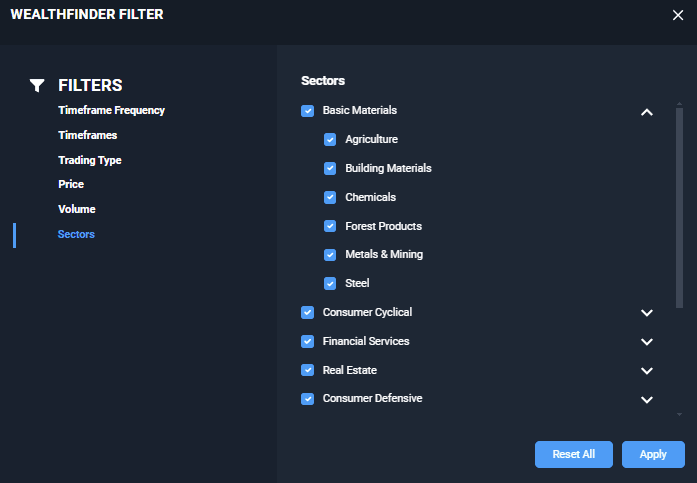
Sectors
Click here to select the specific sectors that you want to see trade ideas from. You can filter based on sectors and subsectors to narrow down your trade idea research!
To see the WealthFinder in action, please review the video below: