
Heat Map
Updated
The Heatmap is a convenient tool that helps you visualize the composition, volume, and direction of entire market indexes such as the S&P, NASDAQ, Dow Jones, or any personal custom symbol lists that you have created using the watchlist feature.
The Heatmap’s intuitive visual format, where each stock is represented by a colored tile, will help you identify which stocks are moving up or down (red for bearish, green for bullish), and are contributing the most volume (tile size) within the symbol list being analyzed.
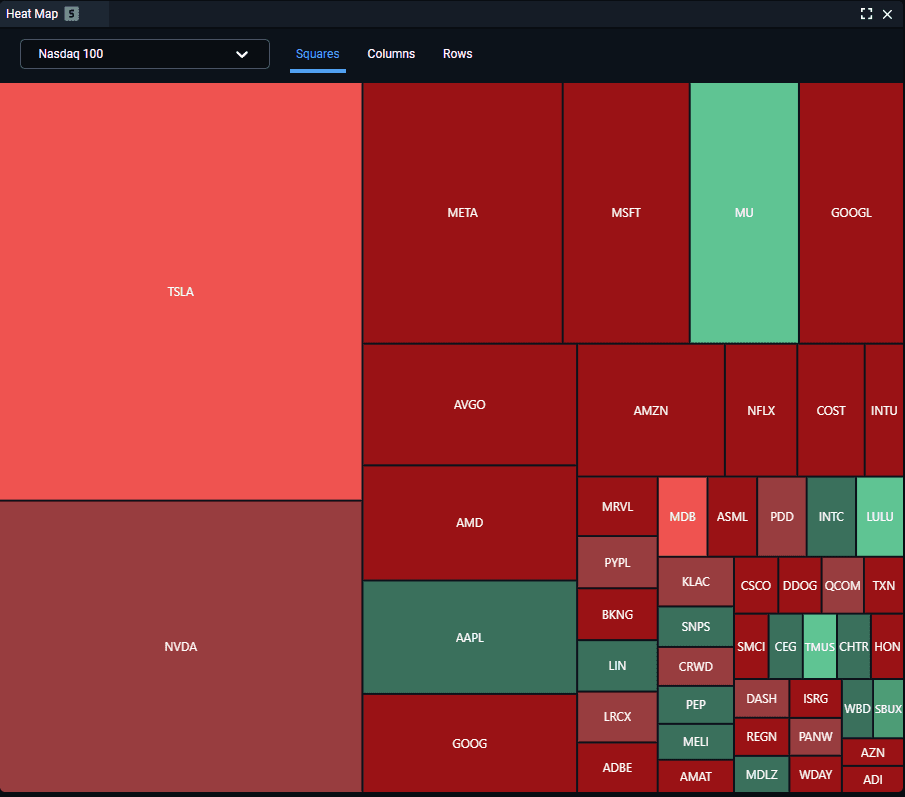
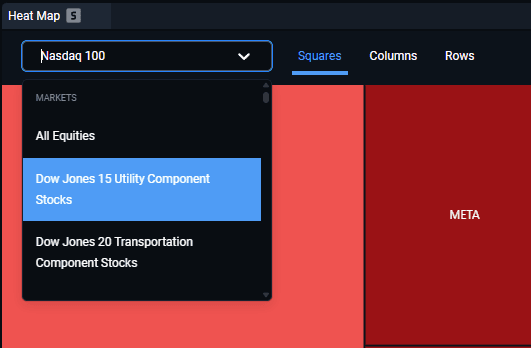
A dropdown is available at the top of the heatmap window – here you can select the symbol list for your research. Right next to that is a list of different styles for the heatmap tiles. Hovering your mouse over any of the tiles will also offer some detailed info on where the stock is headed and it’s day volume.
Don’t forget that the heatmap can also be symbol-linked to your charts using the “S” button at the top – doing so will allow you to automatically change any linked charts to the symbols that you click on in your heatmap.