
OptionsMapper
Updated
Take the analysis of your options to the next level with OptionsHunter and OptionsMapper! With OptionsMapper, this feature organizes symbols and places them into popular categories by ranking them with a number and color system!
By default, OptionsMapper will show you the top 10 ranked symbols. Select the drop-down box at the top left corner to change the ranking to the top 5, top 10, top 15, top 25, and top 50. You can select the switch at the top-left corner to show ETFs too.
To filter specific criteria, be sure to select the funnel icon at the top left corner. There, you can show or hide specific categories as well as filter for specific symbols through your Watchlist and individual symbols.
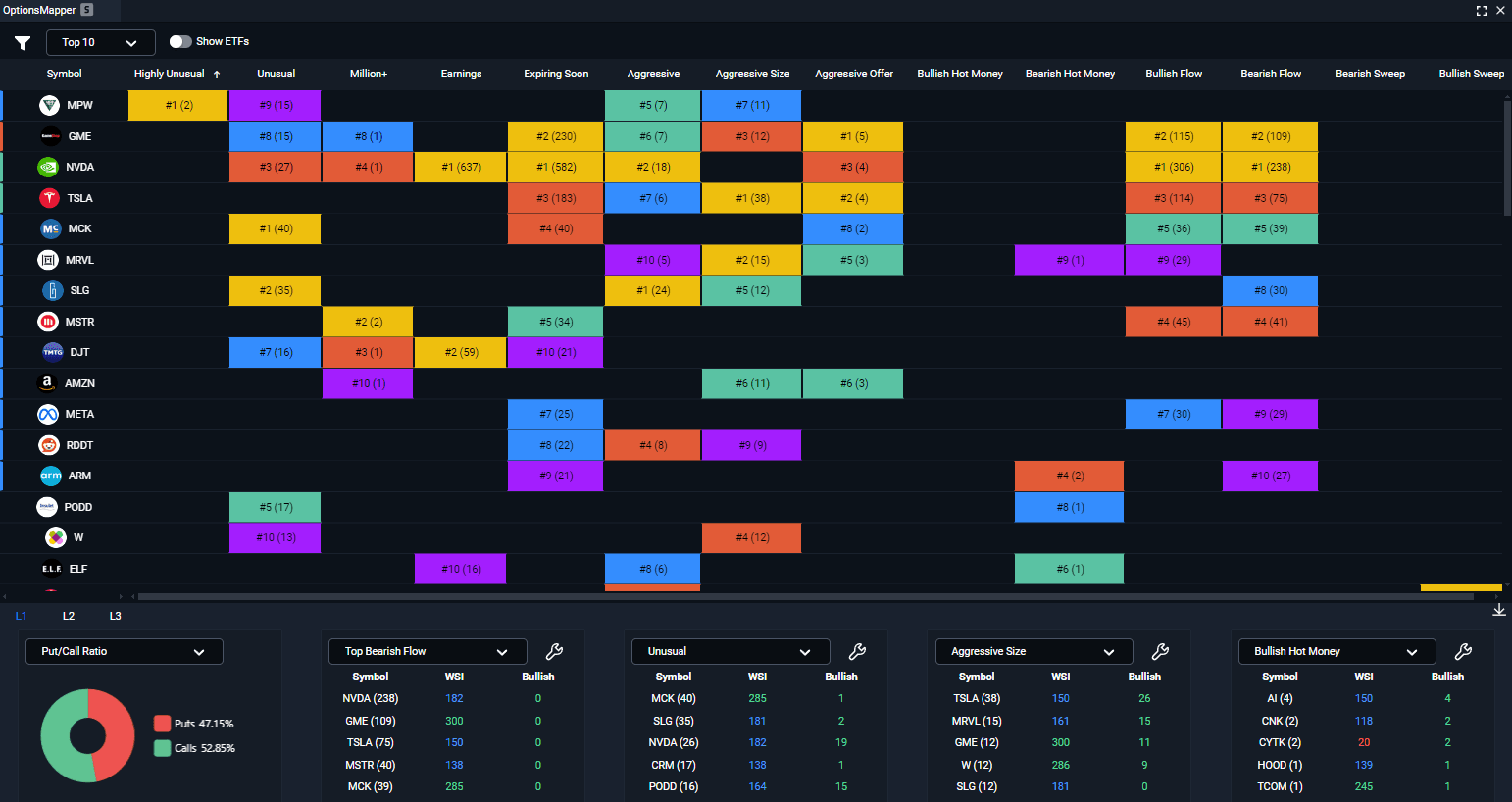
Take advantage of the L Cards located at the bottom of OptionsMapper that group symbols together in different categories! Below are the categories you can choose from:
Put/Call Ratio
Put to Calls
Sentiment Graph
Unusual Options
Highly Unusual Options
Bearish Hot Money
Bullish Hot Money
Aggressive Size
Aggressive Offer
Aggressive
Expiring Soon
Within Earnings
+1$ Million
Top Bullish Flow
Top Bearish Flow
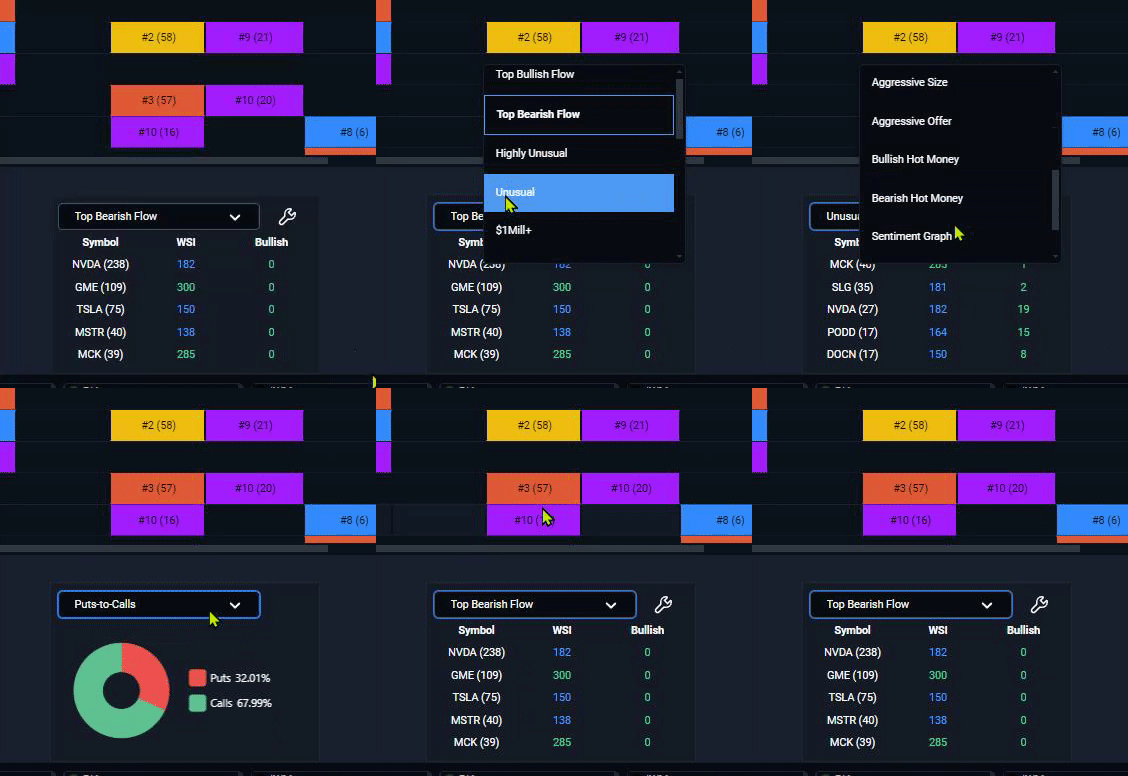
Watch the video below to learn how to utilize OptionsMapper: