Categories
About UsHow to get startedAccount AccessBrokers and TradingChartsScannersResearch ToolsCommunityStocksOptionsFuturesAlertsData Windows - Mobile App
The Data Window allows you to easily see the values and prices that your indicator is displaying on your chart!
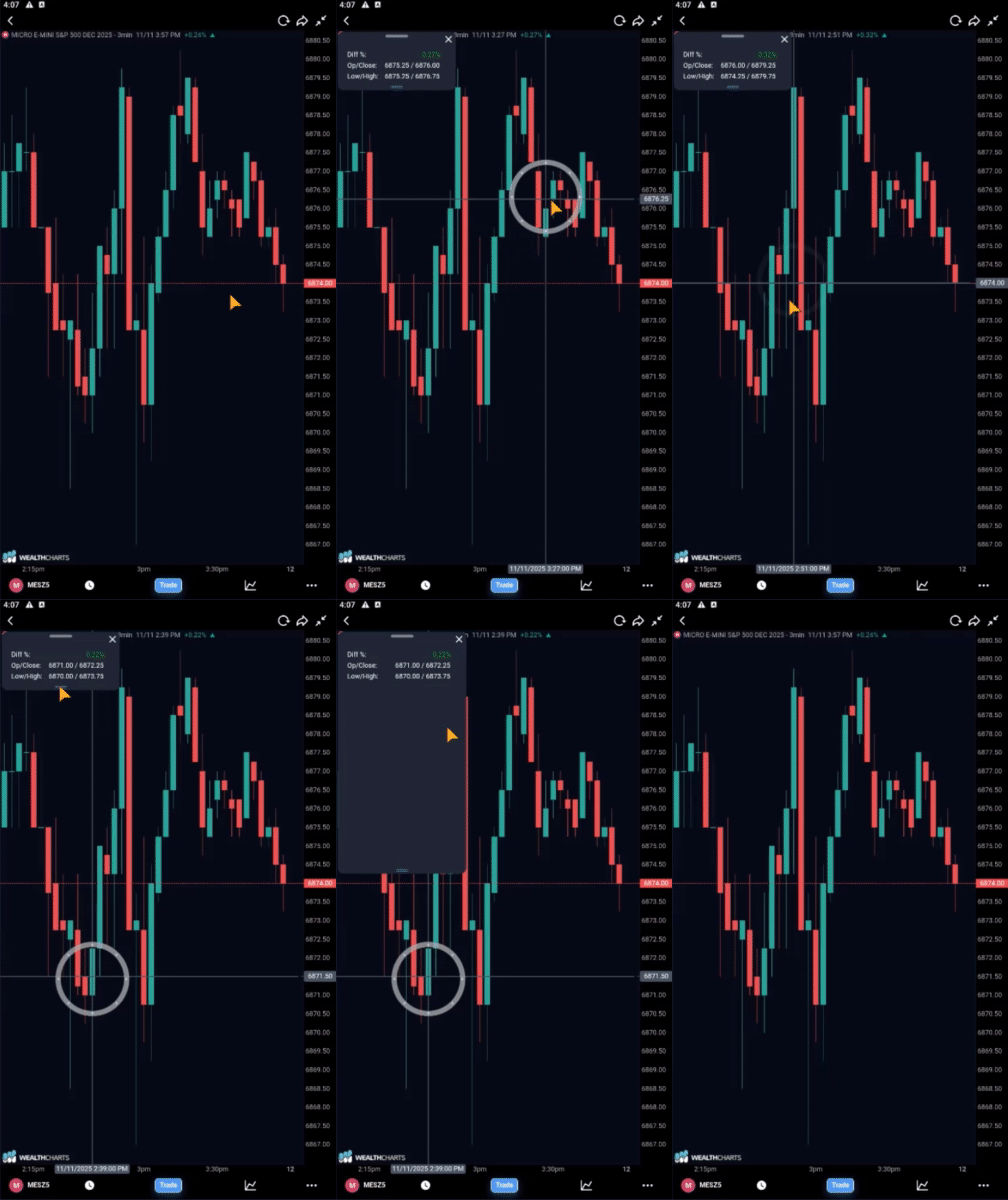
To find the Data Window, you will want to hold down your finger anywhere on your chart until a crosshair appears and a window appears at the top left corner of your chart.
By default, the Data Window will display the High, Low, Open, and Close. After that, it will display any information based on the indicators you have currently loaded on your chart.
To remove the Data Window, long press on your chart again or tap on the "X" at the top right corner of the Data Window.